





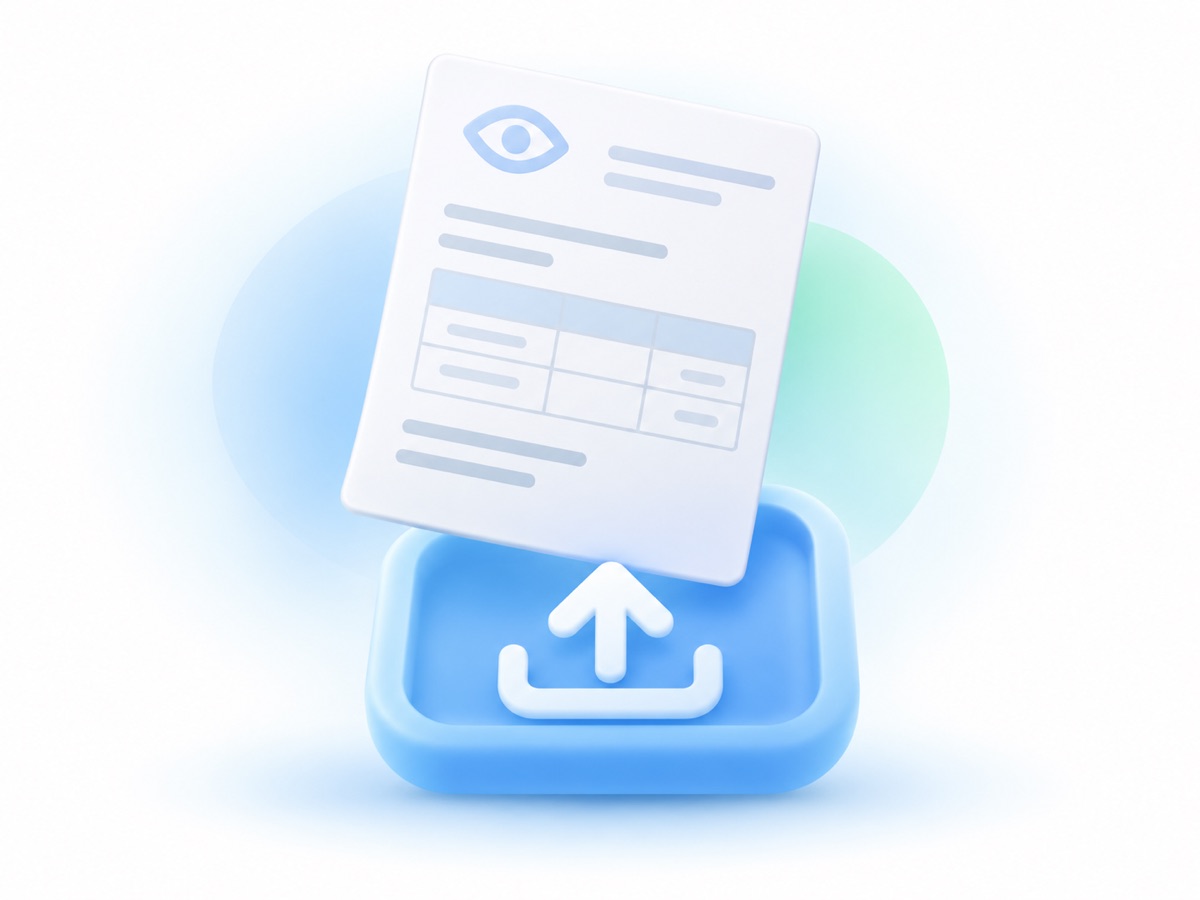
1. Upload your prescription
Use a clear photo, a file from your doctor, or a copy from your patient portal. Make sure the full prescription is visible, including the lens details and expiration date.
Smart Order
Upload your prescription. We’ll match your lenses and verify the details before shipping.
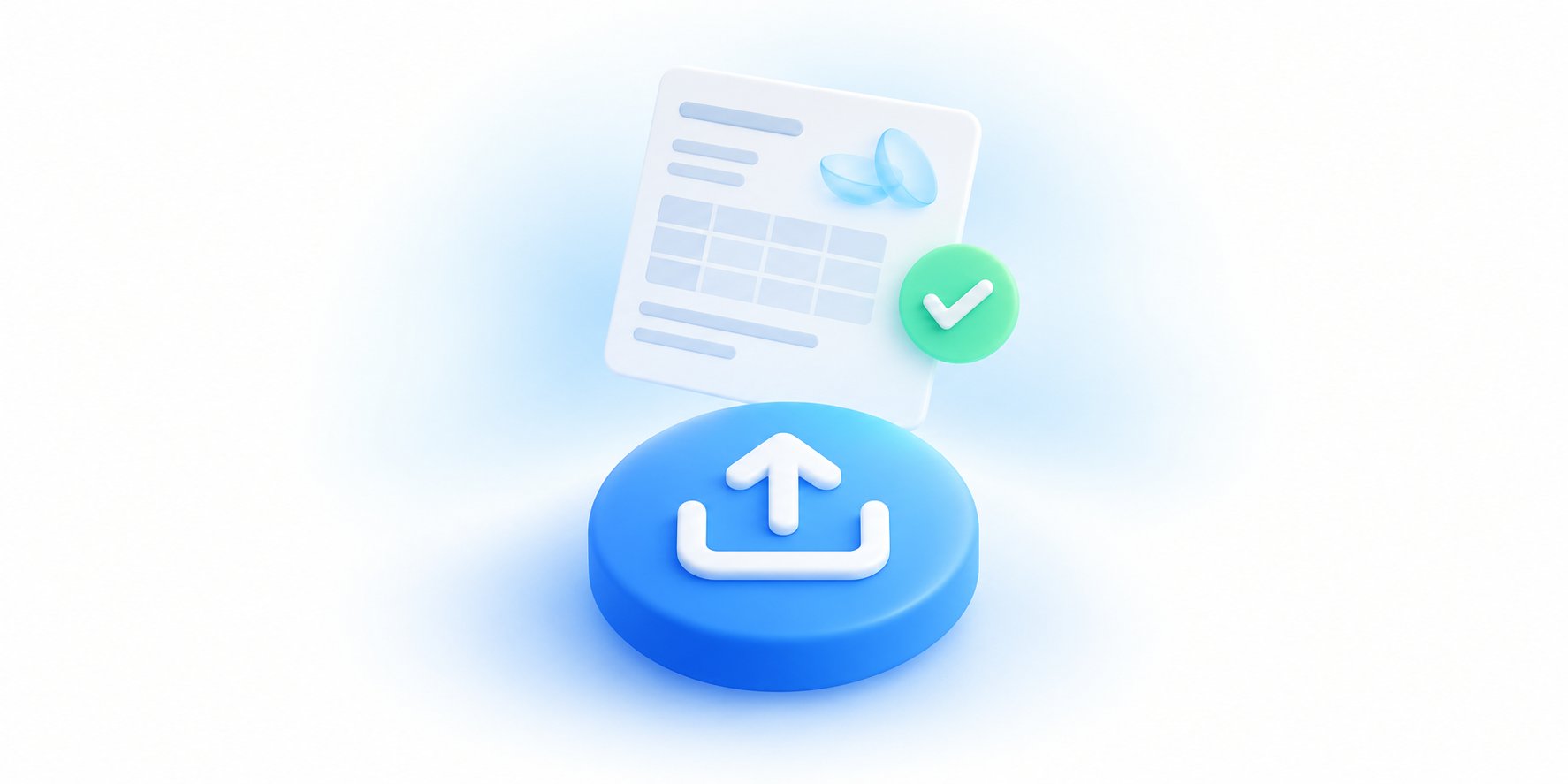
Start with the contact lens prescription from your most recent fitting. Smart Order helps you use those details to order your lenses.
Use a clear photo, a file from your doctor, or a copy from your patient portal. Make sure the full prescription is visible, including the lens details and expiration date.
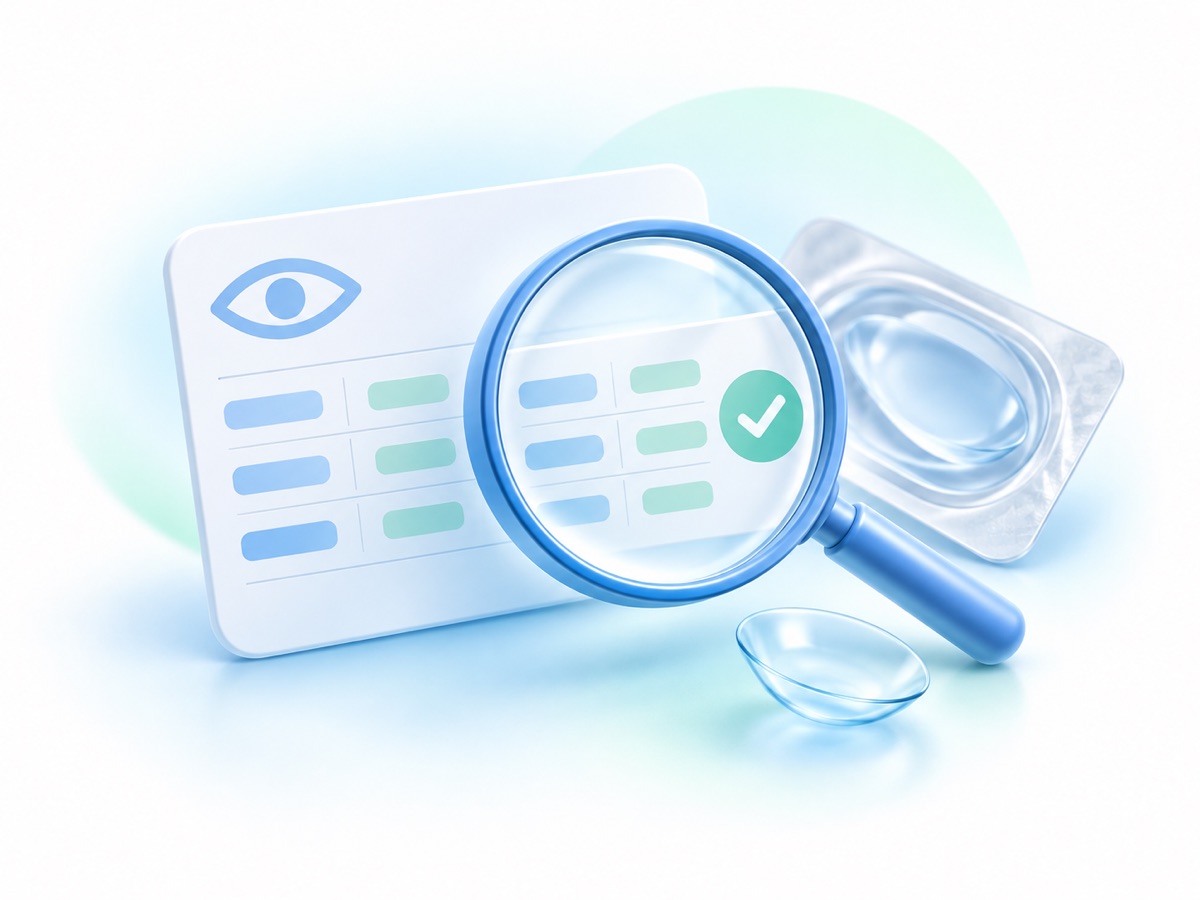
We match your prescribed lenses and verify your prescription. Your brand, power, base curve, and diameter help us identify the right contacts.
Once your prescription is verified, we prepare your order for shipping. Uploading a current prescription can help reduce the time spent waiting for your doctor’s office.
Enter your doctor’s information when you order. We can contact the office to verify your prescription, which may take longer. You can also ask your doctor’s office to email you a copy to upload.
Visit your eye doctor for an updated contact lens prescription before ordering. If you need help finding care, use our doctor locator to explore eye care providers near you. Find an eye doctor.
You’ll need a current contact lens prescription for the lenses you order. A glasses prescription does not include all the details needed to match your contacts.
Order the brand on your contact lens prescription. If you’d like to try a different brand, talk with your eye doctor about a fitting first.